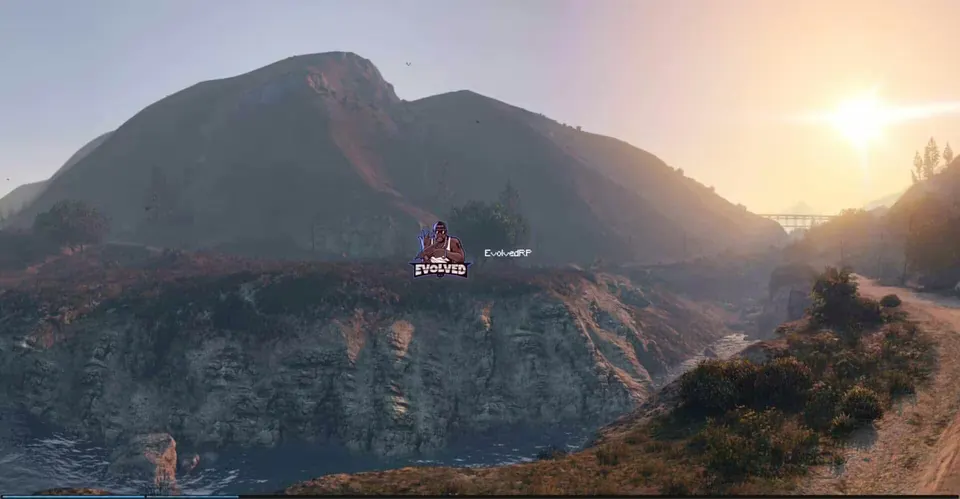
Eyes Loading Screen
Eyes Store
Description
Eyes Loading Screen is a loading screen for FiveM servers by Eyes Store, built with HTML, CSS and Vue. You replace the logo, wallpapers and texts with your own.
Features
- Four background wallpapers (
assets/walpaper/bg-1tobg-4) that you can swap for your own - Your server logo (
assets/img/logo.png) - Icons for Discord, Instagram, Twitter and website links
- Custom cursor and included fonts
- Texts and data in
assets/data.js
Requirements
- No framework needed; the manifest declares no framework or resource dependencies
Installation
- Copy the
es-loadingscreenfolder into your resources folder. - Replace the logo, wallpapers and texts with your own.
- Add
ensure es-loadingscreento your server.cfg.
Please note
The fxmanifest.lua lists some files that are not in the download: main/shared.lua, sound/*.mp3 and dmx.jpg, rte.jpg, underground.jpg. If your server console reports these files as missing, remove those entries from the manifest. The included README belongs to another Eyes Store script and does not describe this loading screen. This package has not been runtime-tested by us.
Related Loading-Screens
Details
- Frameworks
- File size
- 32.3 MB
- Creator
- Eyes Store
- Updated
- Oct 12, 2026
Installation
- Unzip the download into your server's resources folder.
- Add these lines to server.cfg, in this order:
ensure es-loadingscreen
Known problems the Lab found:
es-loadingscreen: The manifest lists a file that is missing.
Checked: the one resource of this download.
From a static check of the files by the RPScripts Lab. It is not a test that your server starts.
Related resources

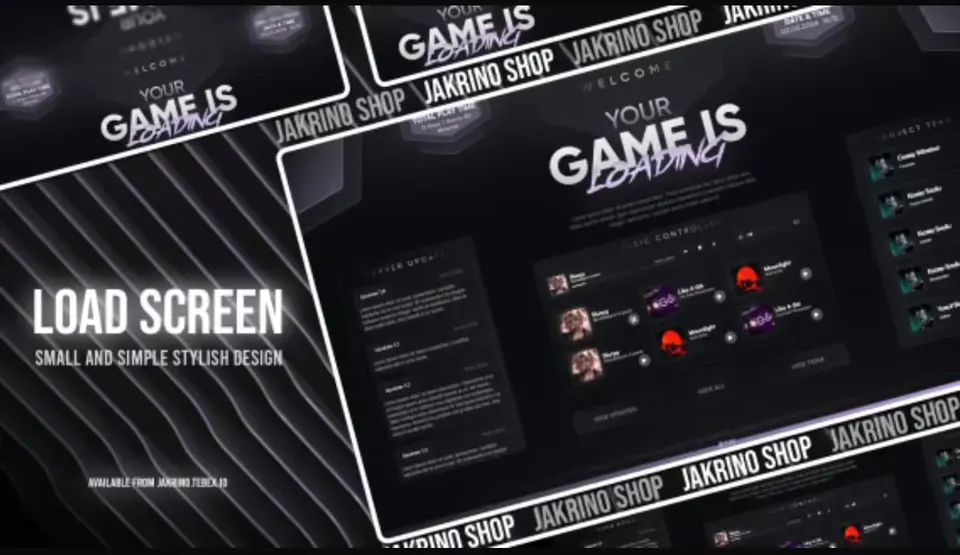
Jakrino Loading Screen
Jakrino
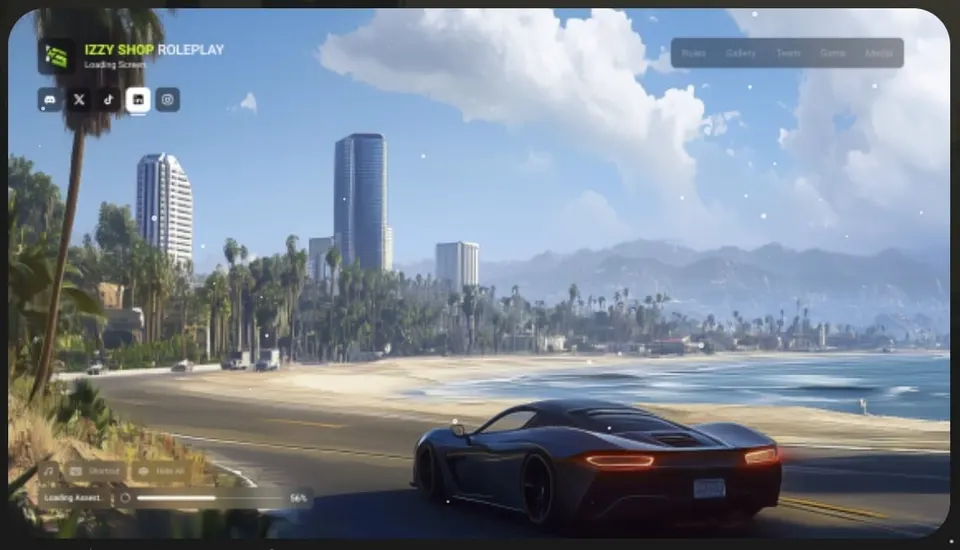
izzy Loading Screen v7
Izzy Scripts
- ESX
- QBCore
- ESX
- Standalone
- QBCore
- vRP
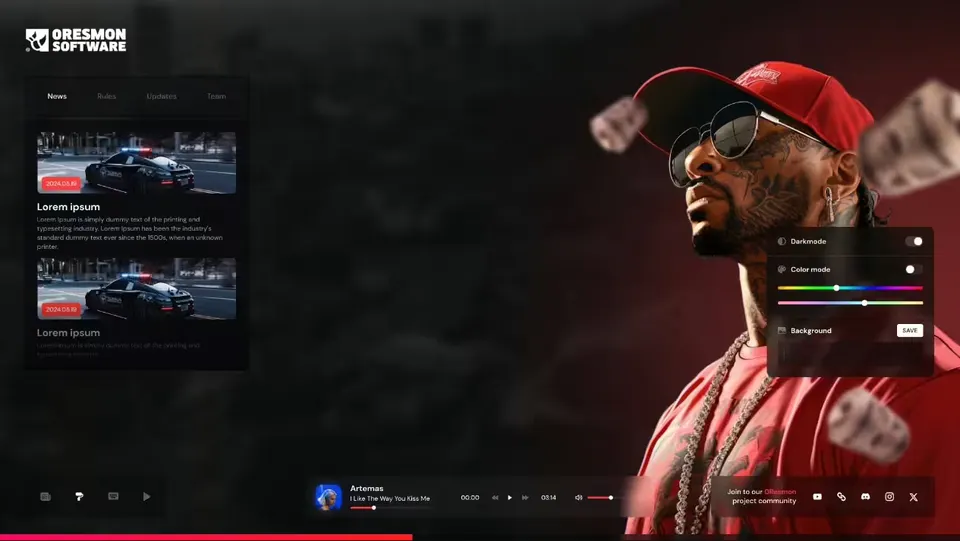
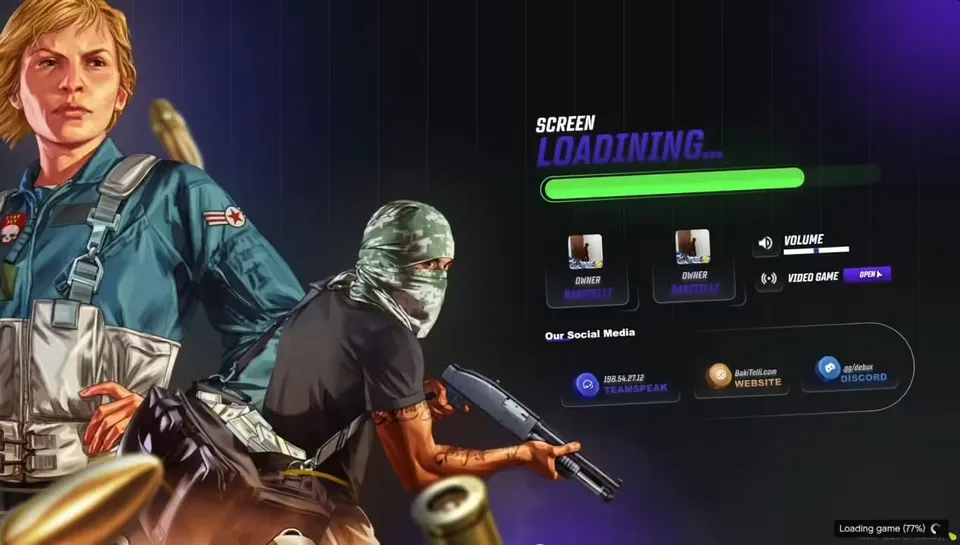
0R-LOADINGSCREEN V2
0Resmon