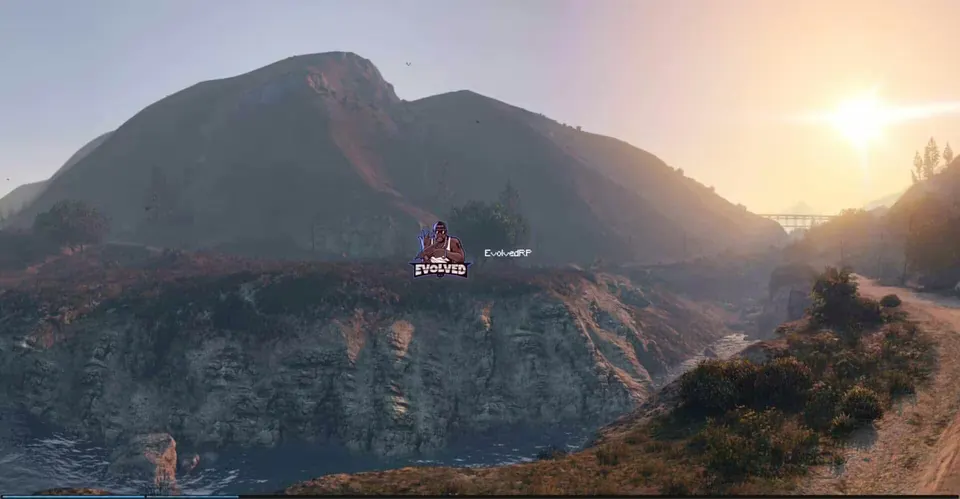
UM Loading Screen (with Minigame)
Description
UM Loading Screen is a FiveM loading screen by Uyuyorum. While your players connect, it shows their own Steam profile, plays a background video or music and gives them a small minigame to pass the time. It is a standalone resource and works with any framework.
Features
- On the loading screen, the user sees their own Steam information (Steam Web API)
- Minigame
- Background video (YouTube API)
- Snow effect
- Flexible config in
config.js - Replaceable background images, logo, custom cursor and background music (
audio.mp3)
Requirements
- A Steam Web API key, entered in
steamkey.lua, for the Steam profile display
Installation
- Copy the
um-loginfolder into yourresourcesdirectory. - Add your Steam Web API key to
steamkey.luaand adjustconfig.js. - Replace the images in
ui/assets/imgand the music inui/assets/audioif you like. - Add
ensure um-loginto yourserver.cfg.
Details
- Frameworks
- File size
- 9.1 MB
- Updated
- Sep 27, 2026
Installation
- Unzip the download into your server's resources folder.
- Add these lines to server.cfg, in this order:
ensure um-login
Checked: the one resource of this download.
From a static check of the files by the RPScripts Lab. It is not a test that your server starts.
UM Loading Screen (with Minigame)
$11.99€10.99£9.99A$17.99R$60.99CHF 9.99¥1,900Related resources

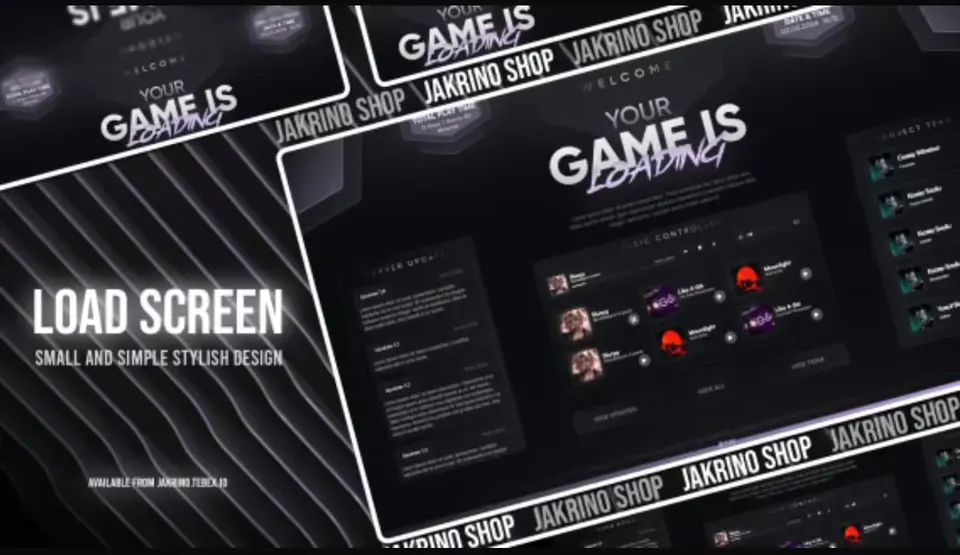
Jakrino Loading Screen
Jakrino
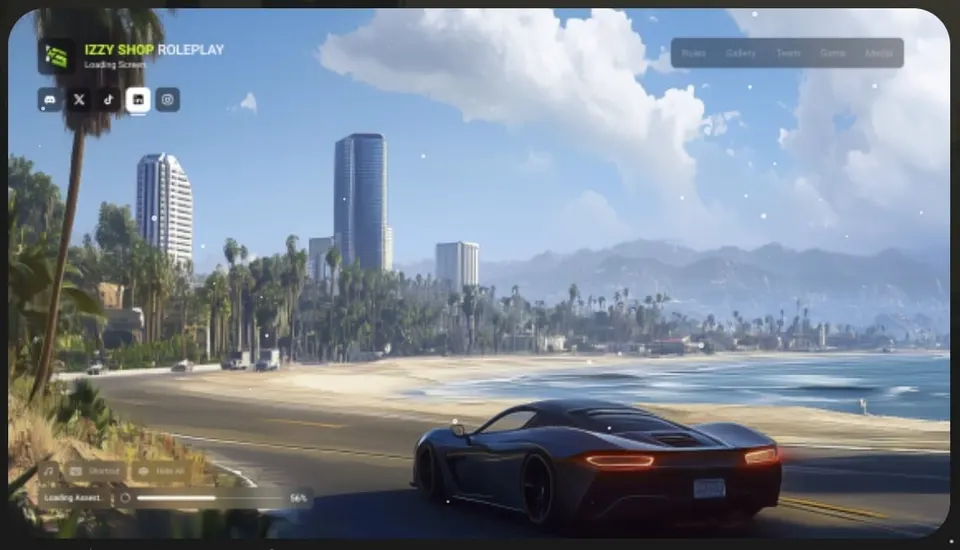
izzy Loading Screen v7
Izzy Scripts
- ESX
- QBCore
- ESX
- Standalone
- QBCore
- vRP
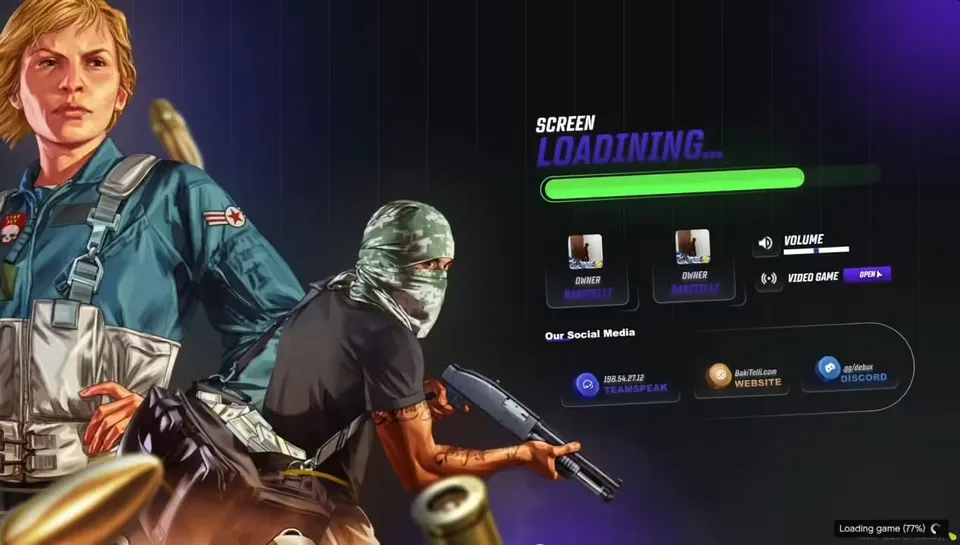
0R-LOADINGSCREEN V2
0Resmon