


FiveM Vinewood Sign
Description
Change the Vinewood sign to the name of your roleplay server. This map resource clears the original Vinewood sign and lets you spell your own text with single 3D letters.
What is included
- A
clearareafolder with edited map files for the Vinewood sign area (ch2_03) that remove the original sign. - 3D letter models from
atoz, sign base models and a texture file. - An example placement file (
literecustom2.ymap) that spells a sample text. - PNG letter images in a
templatefolder as a visual reference.
How to use it
- Copy the
roleplayliterefolder into your resources folder and addensure roleplaylitereto your server.cfg. - To show your own name, edit the letter placement in the
.ymapwith a map editor such as CodeWalker: place the letters you need and save the file. - Because it edits the Vinewood sign area, test it together with any other map you run in the Vinewood Hills.
Details
- Frameworks
- File size
- 4.4 MB
- Updated
- Sep 27, 2026
Installation
- Unzip the download into your server's resources folder.
- Add these lines to server.cfg, in this order:
ensure roleplaylitere
Checked: the one resource of this download.
From a static check of the files by the RPScripts Lab. It is not a test that your server starts.
FiveM Vinewood Sign
$11.99€10.99£9.99A$17.99R$60.99CHF 9.99¥1,900Related resources
- Standalone


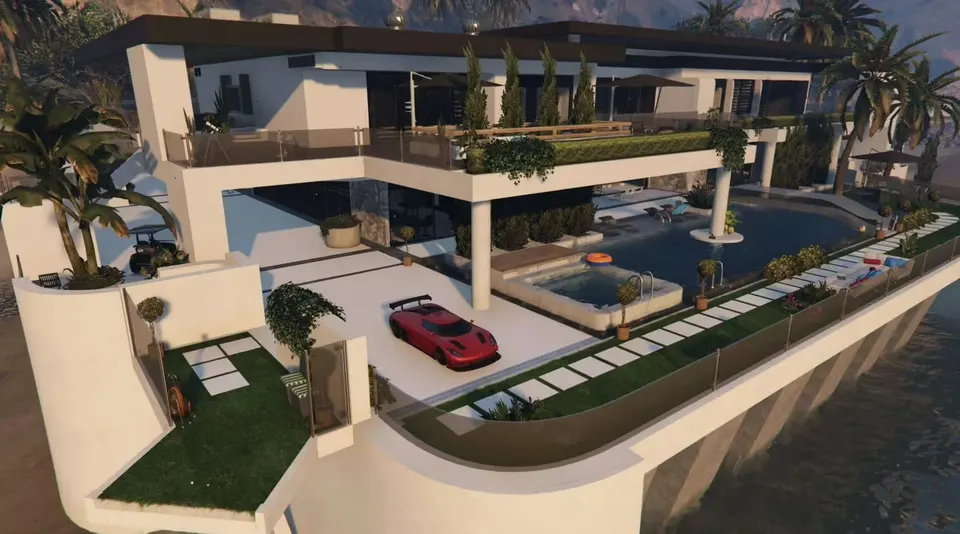
Malibu Mansion (FiveM Convert)
BigShaqNOKetchup


