
- ESX

By Luke

To report a FiveM server, use the server's Report Server button in the FiveM server browser or the official Cfx.re web form. Send Rockstar reports only when the issue belongs to Rockstar's services or intellectual property rather than the operation of a FiveM server.
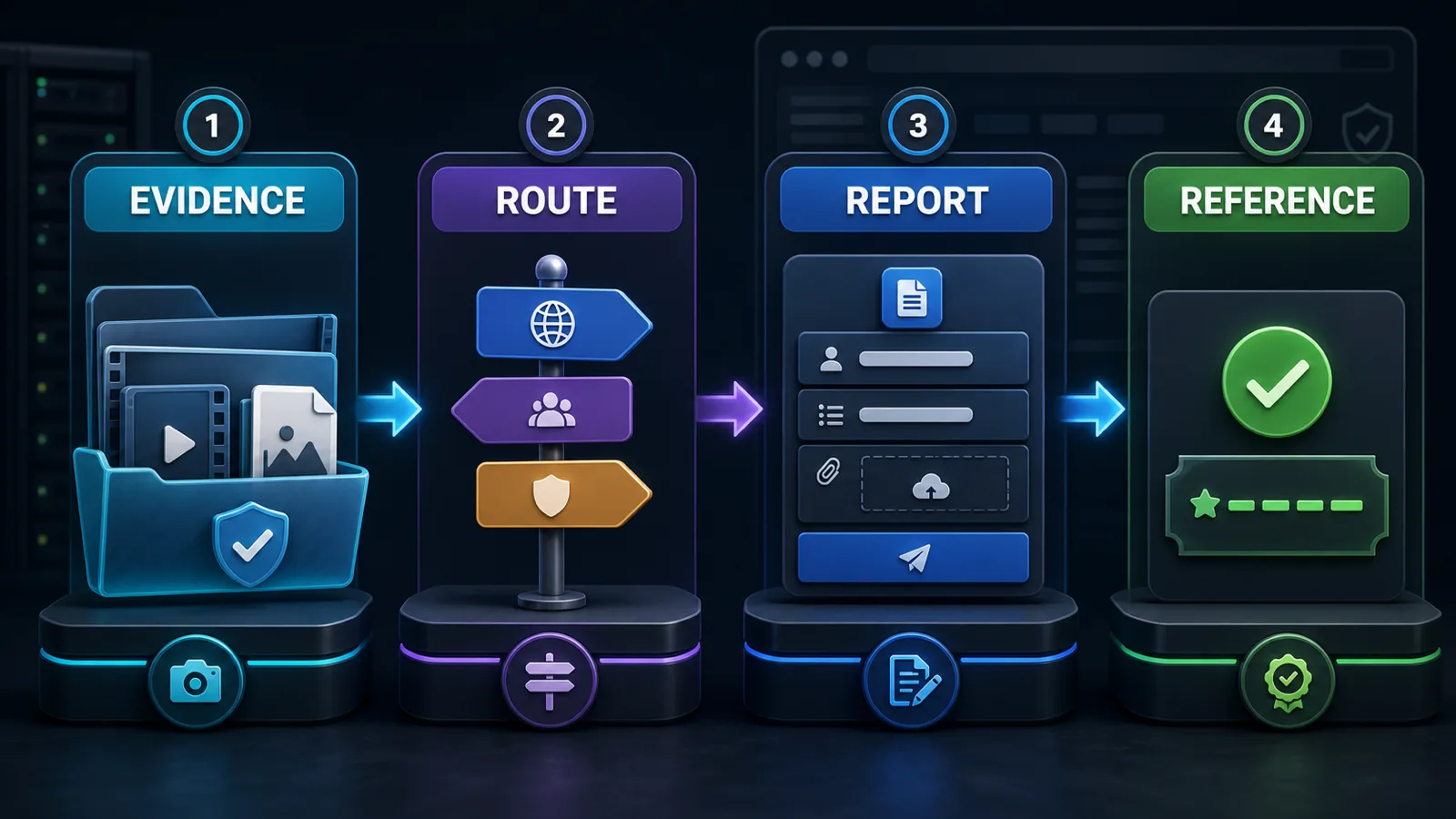
Use the official Cfx.re server report form. Include the server name, join link or endpoint, relevant date and time, and the exact rule or behavior you are reporting.
Keep the report focused on verifiable facts. Do not edit evidence in a way that removes context, and do not submit the same issue repeatedly.
Remove passwords, license keys, payment details, private IP addresses and unrelated personal information. If a full log contains sensitive data, provide only the relevant excerpt and explain what was removed.
| Issue | Best first route |
|---|---|
| Server rule dispute or staff behavior | The server's own appeal or support process |
| FiveM platform-policy concern involving a server | Cfx.re Report Server flow |
| Rockstar account, GTA Online or Rockstar service issue | Rockstar Support |
| Immediate threat or suspected crime | The appropriate local authority |
Keep your confirmation and original evidence. A report is not a guarantee of a specific enforcement result, and support teams may not disclose actions taken against another account or server.
Review the current Cfx.re server-reporting instructions. Server owners can also use our guides to writing clear server rules and recognizing harmful monetization patterns.
Describe observable behavior, the server identifier, date/time, relevant URLs and the complete supporting clip or screenshot. Separate what you directly observed from what another player told you. Do not label a server theme, script category or monetization feature prohibited unless the current Cfx.re Platform License Agreement or official support guidance identifies the violation.


