Skip to content
RPScripts

FiveM Medic Scripts

Body Damages V2 [ ESX / QBCore / STANDALONE ] FiveM resource preview

Body Damages v1.0 [ESX / QBCore / Standalone]

  • ESX
  • Standalone
  • QBCore

Description

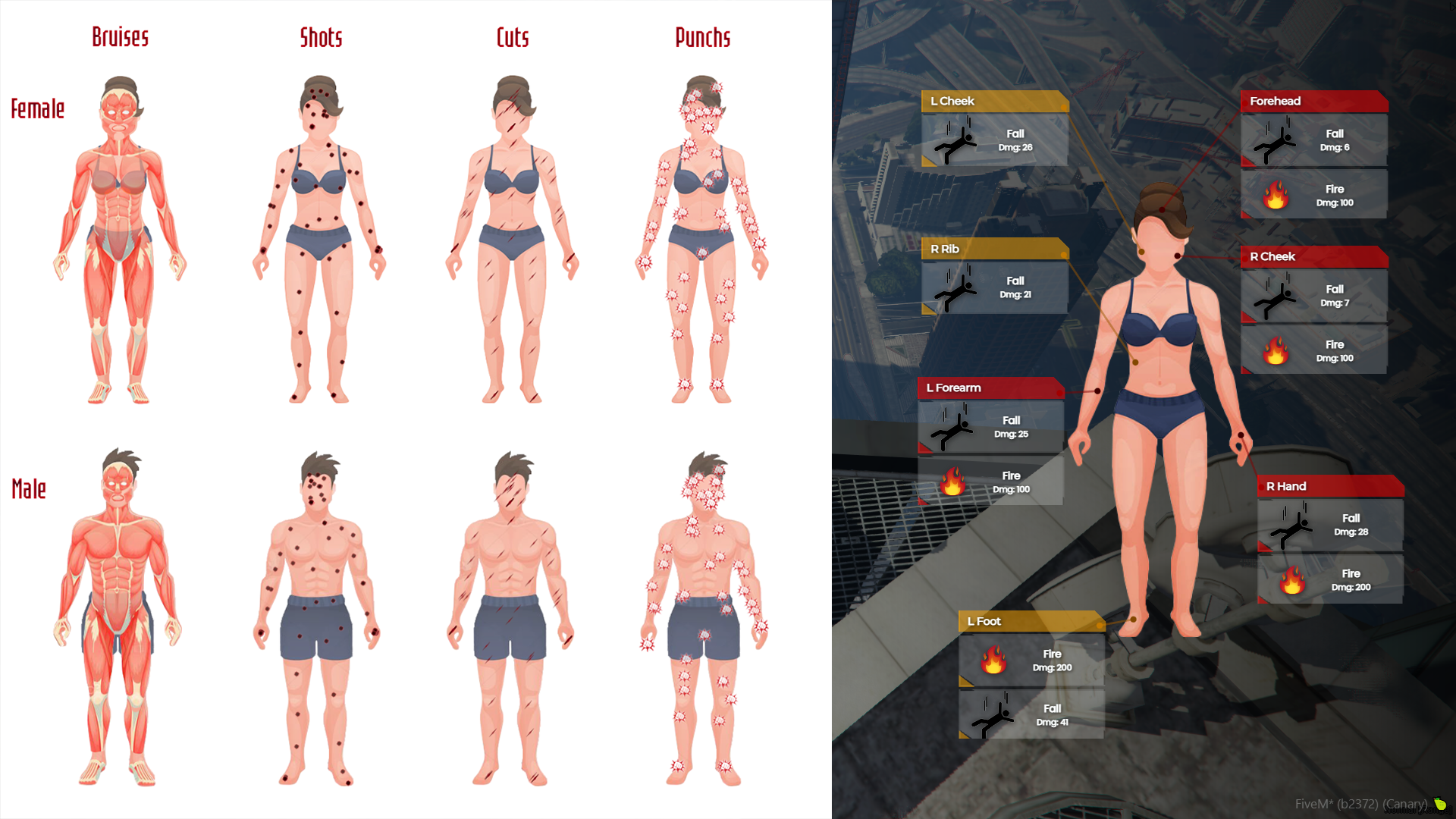
Body Damages V2 shows you and your medics which damage a player has taken: gunshots, cuts, bruises and punches on a body diagram, plus the cause of death (for example drowning, being run over, an explosion or a fall). It was made for roleplay servers with doctors, but you can use it on other server types too. This second version adds a new interface and includes the old and classic templates.

Interface

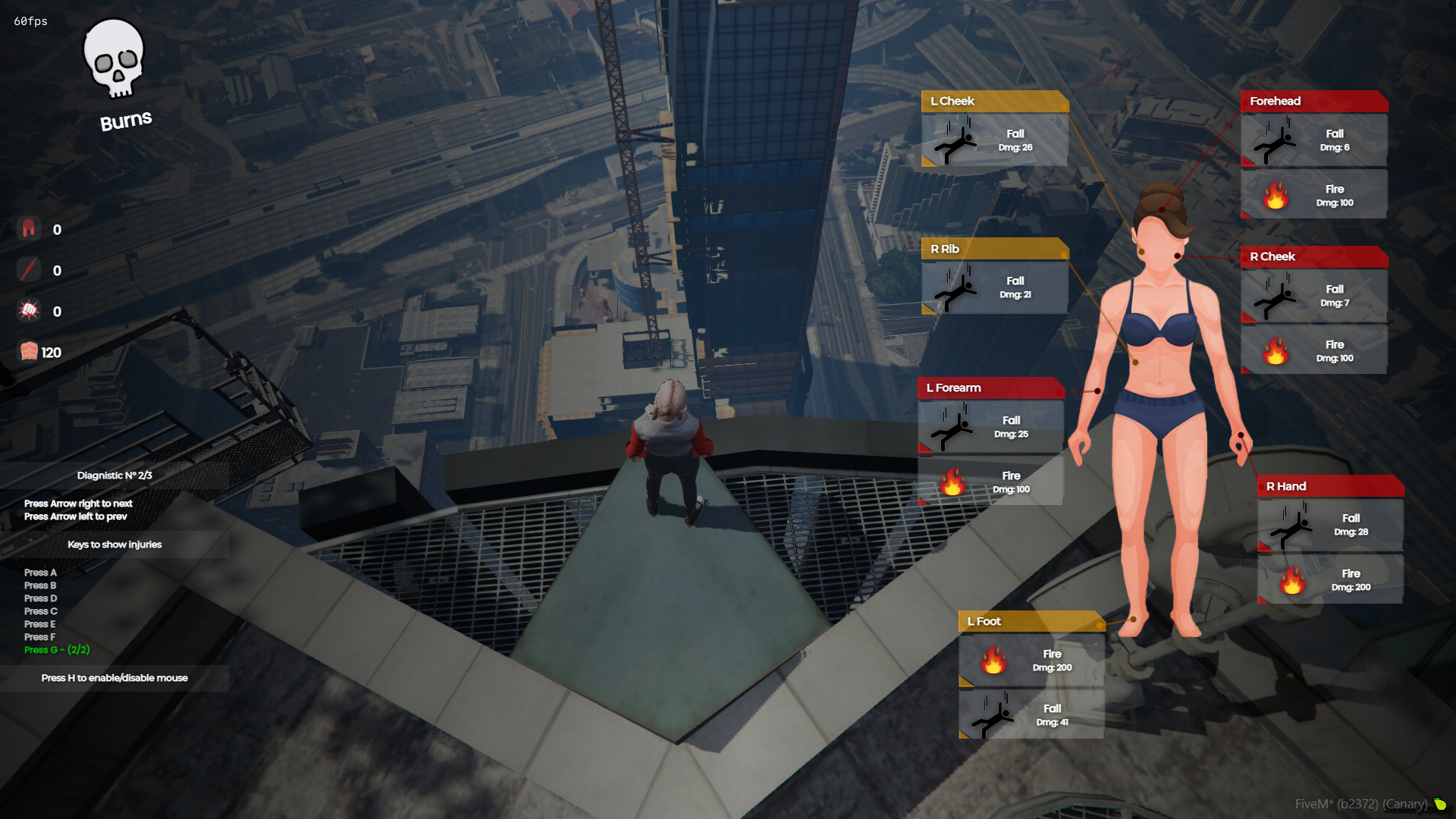
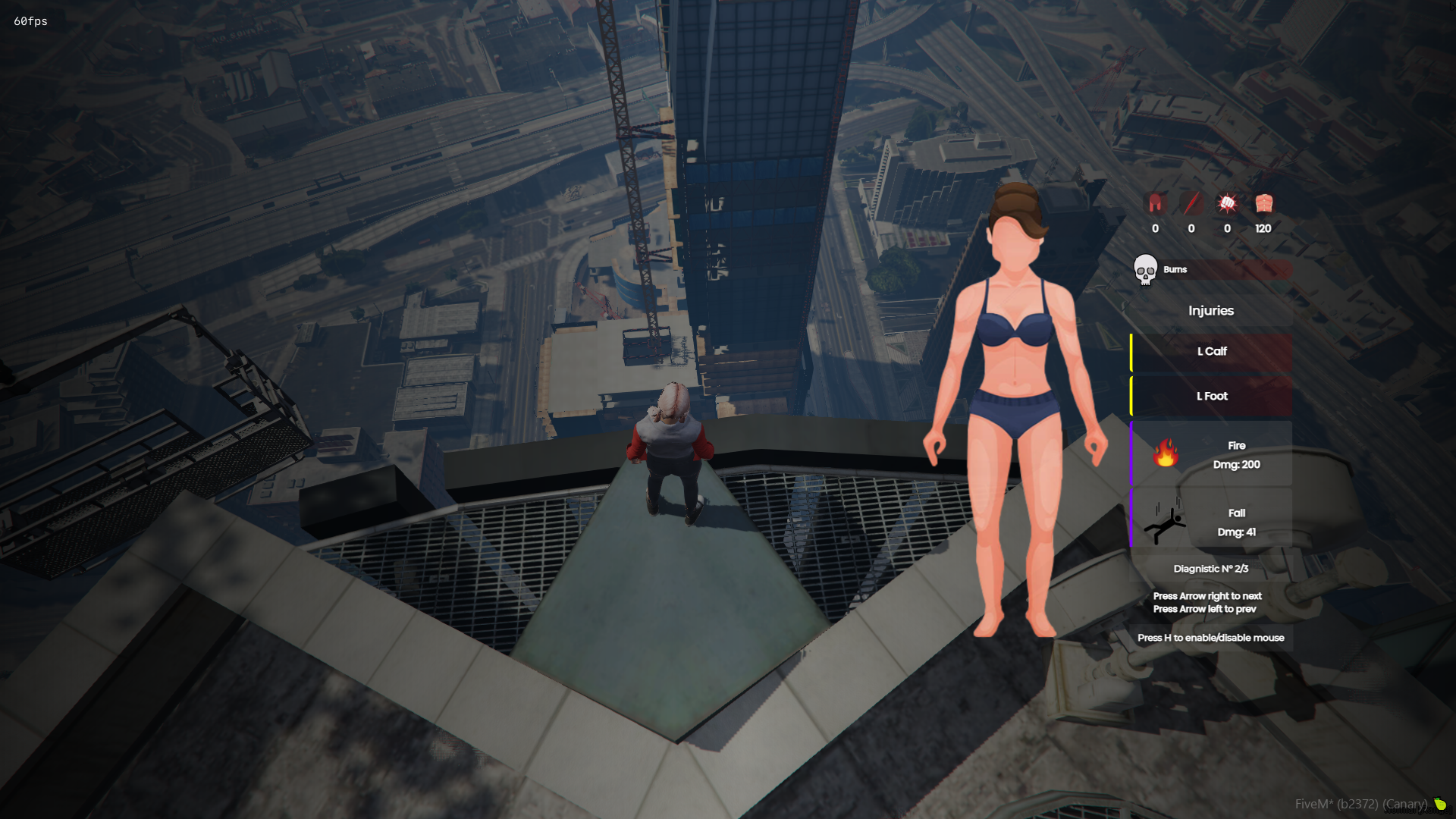
  • Three interface templates: new, classic and old, selectable in the config.

Template: new

0UBwMwC.png

Template: classic

AwvzKJE.png

Template: old

huS3Jet.png
  • Set the x/y position of the body on screen and the GUI scale (values above 1.0 may look odd).
  • All interface texts can be translated in the config.
  • In the new and classic templates, press H to enable the mouse cursor so you can read the details and use the buttons.
  • Close the interface by typing the command again or pressing ESC, DELETE, BACKSPACE or the right mouse button.

Commands

  • /health shows the damage you have taken.
  • /diag shows the damage taken by the nearest player.
  • Both command names can be changed in the config.

Features

  • Shows injuries on the body: bruises, gunshots, cuts and punches.
  • The body image switches automatically for male and female peds.
  • The information resets once the player is back to maximum health.
hiy56Vd.png
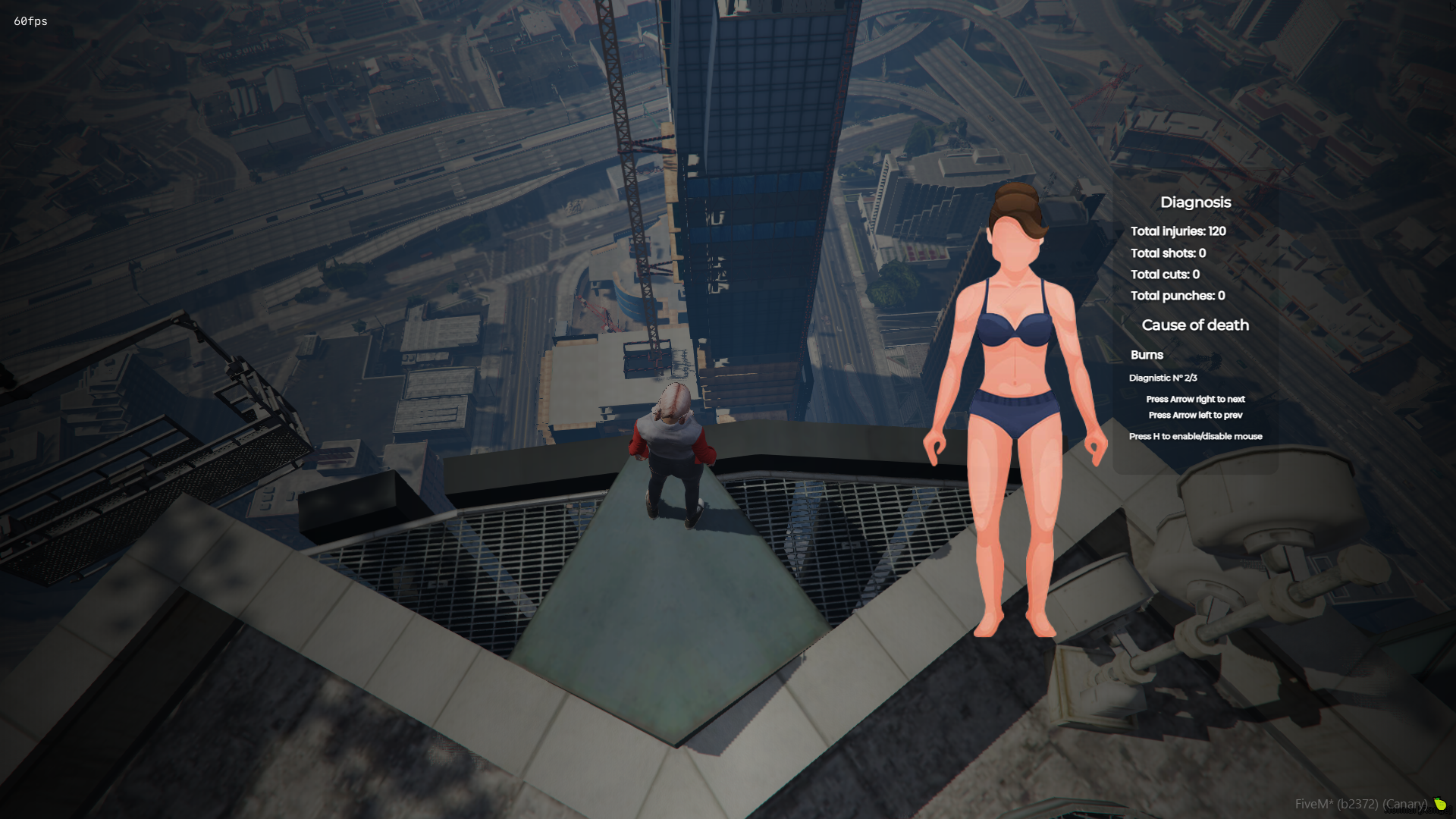
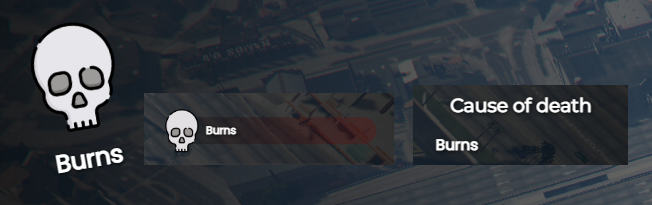
  • Shows the cause of death.
bzVPjW7.png
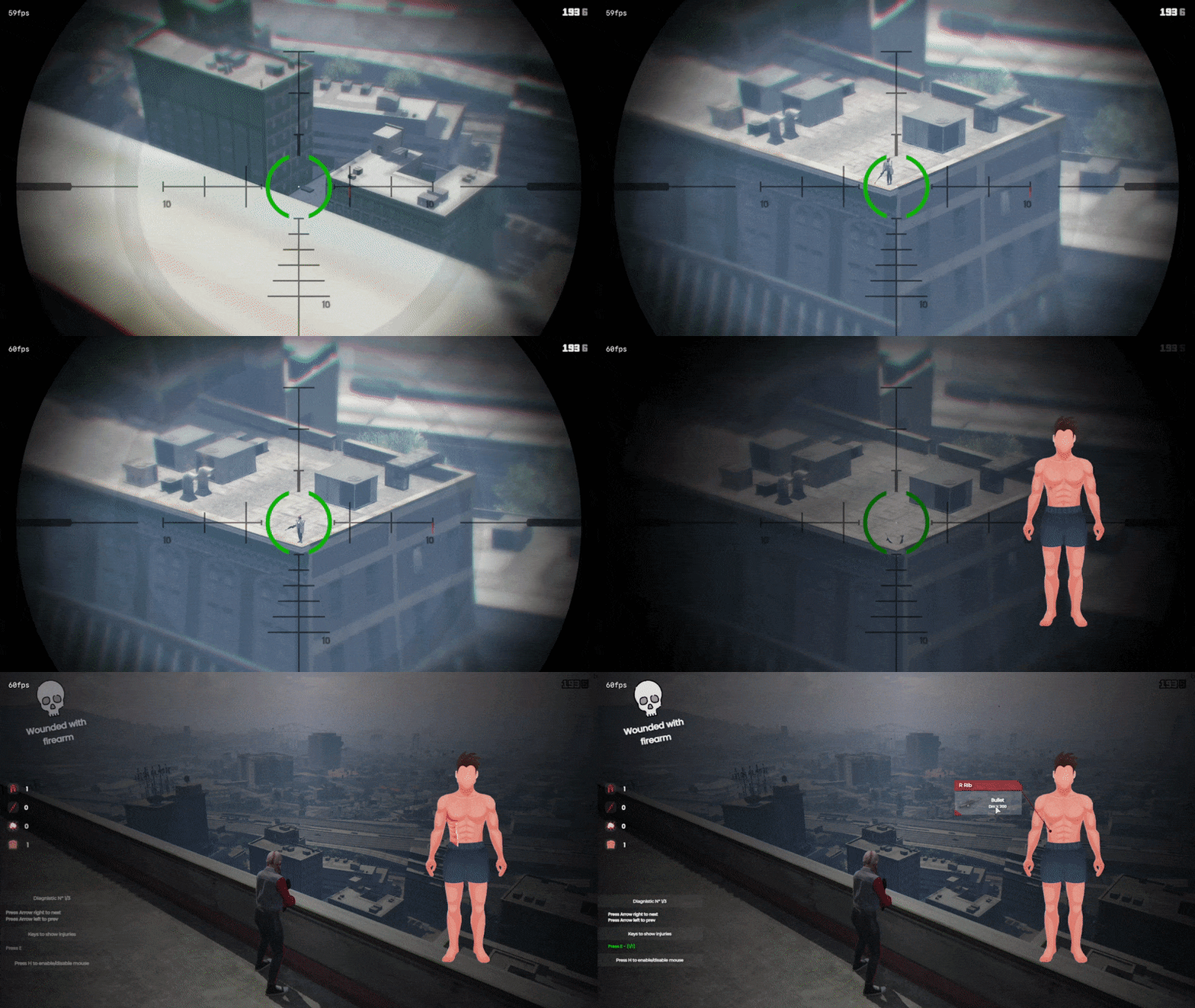
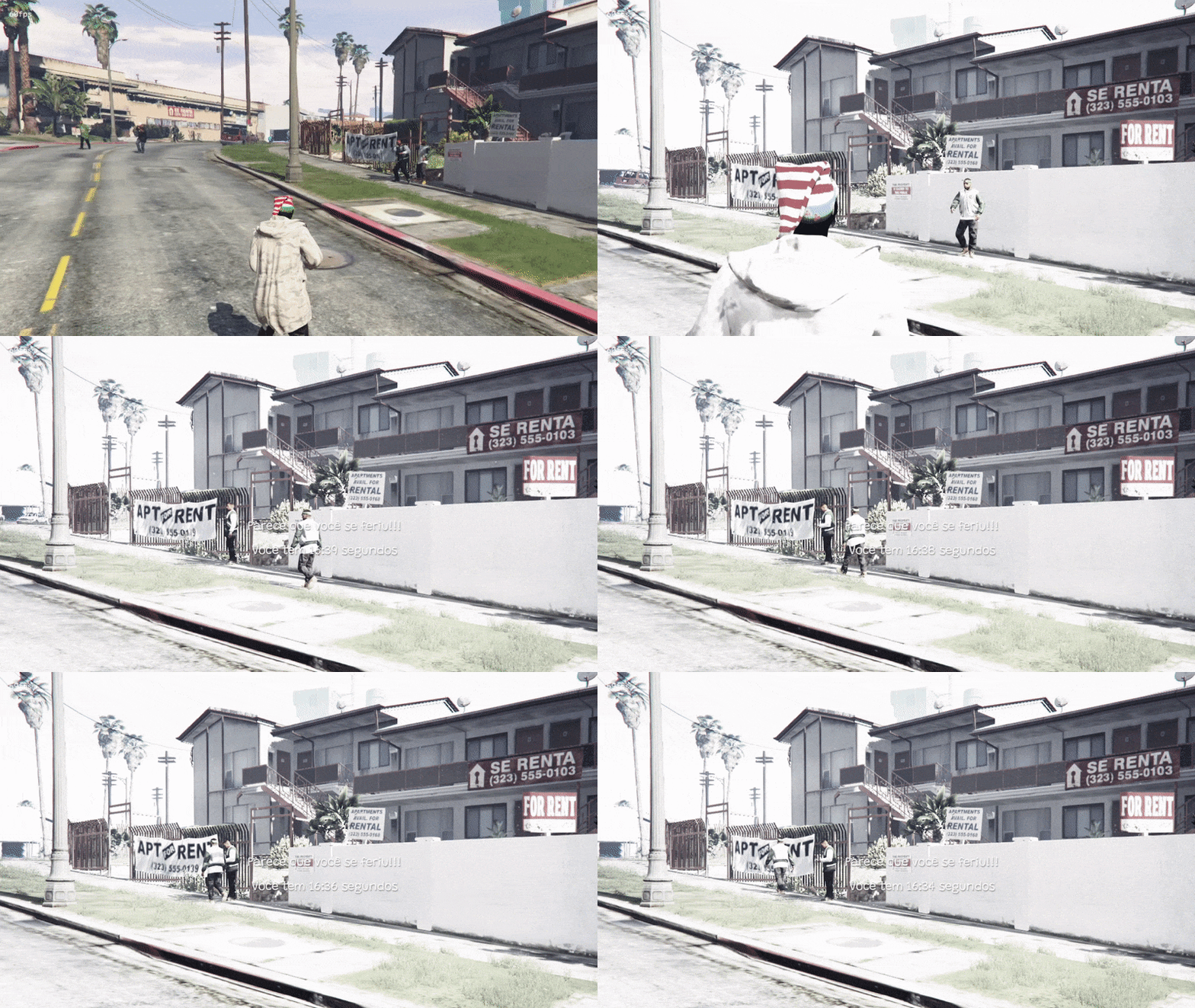
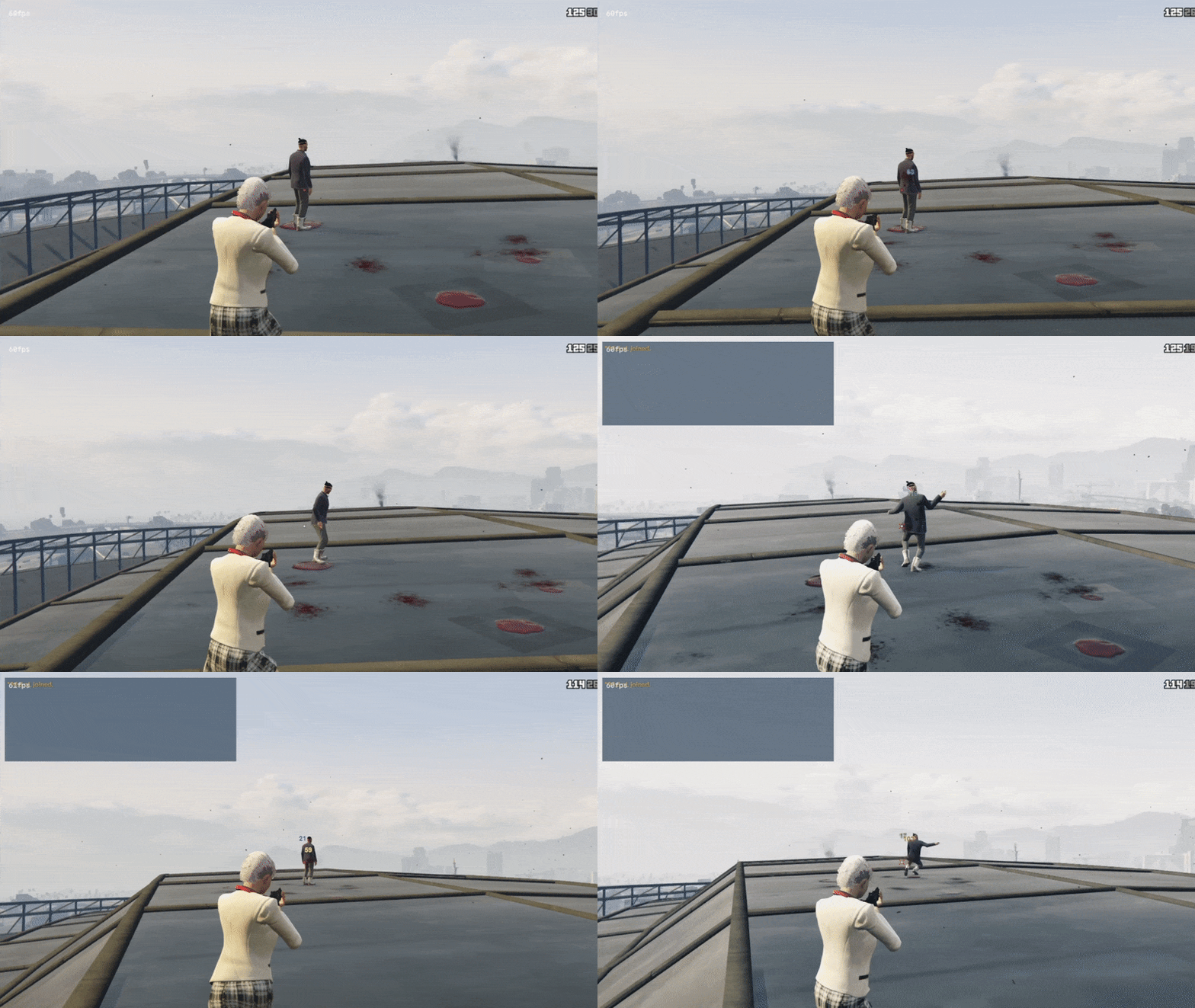
  • Optional: when you kill a player, the interface opens automatically with that player's damage information.
yEBqjKi.gif
  • Optional: a flash effect on your screen for a few seconds when you die.
t0xepcz.gif
  • Optional: a screen shake with each hit you take.
EeHyTIw.gif

Saved diagnoses

  • Player diagnoses are saved, so medics can keep patient records. This can be disabled in the config.
  • You set how many diagnoses each player can have; when the limit is reached, the oldest one is replaced by the new one.

YouTube video: saved diagnoses

Damage display

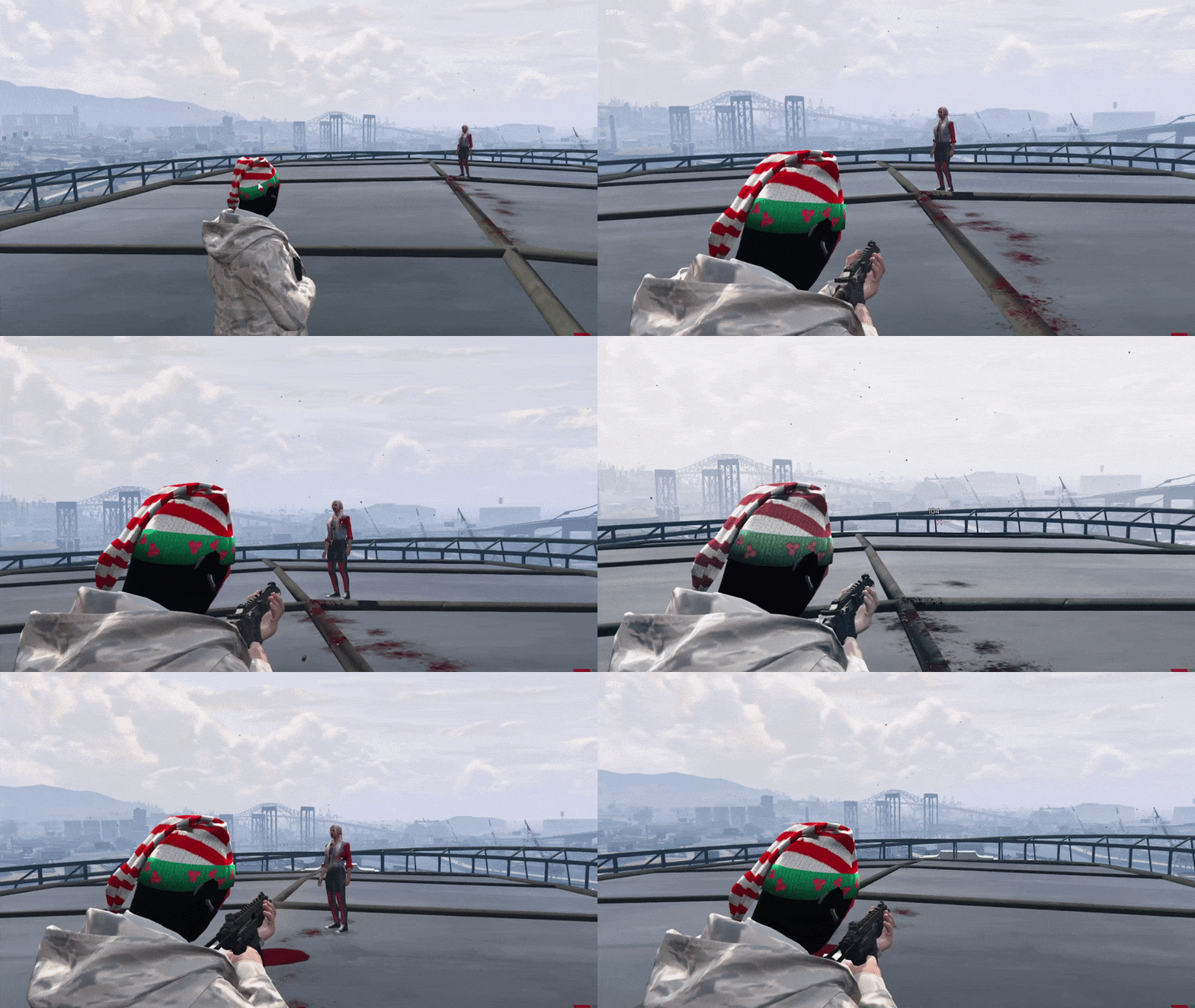
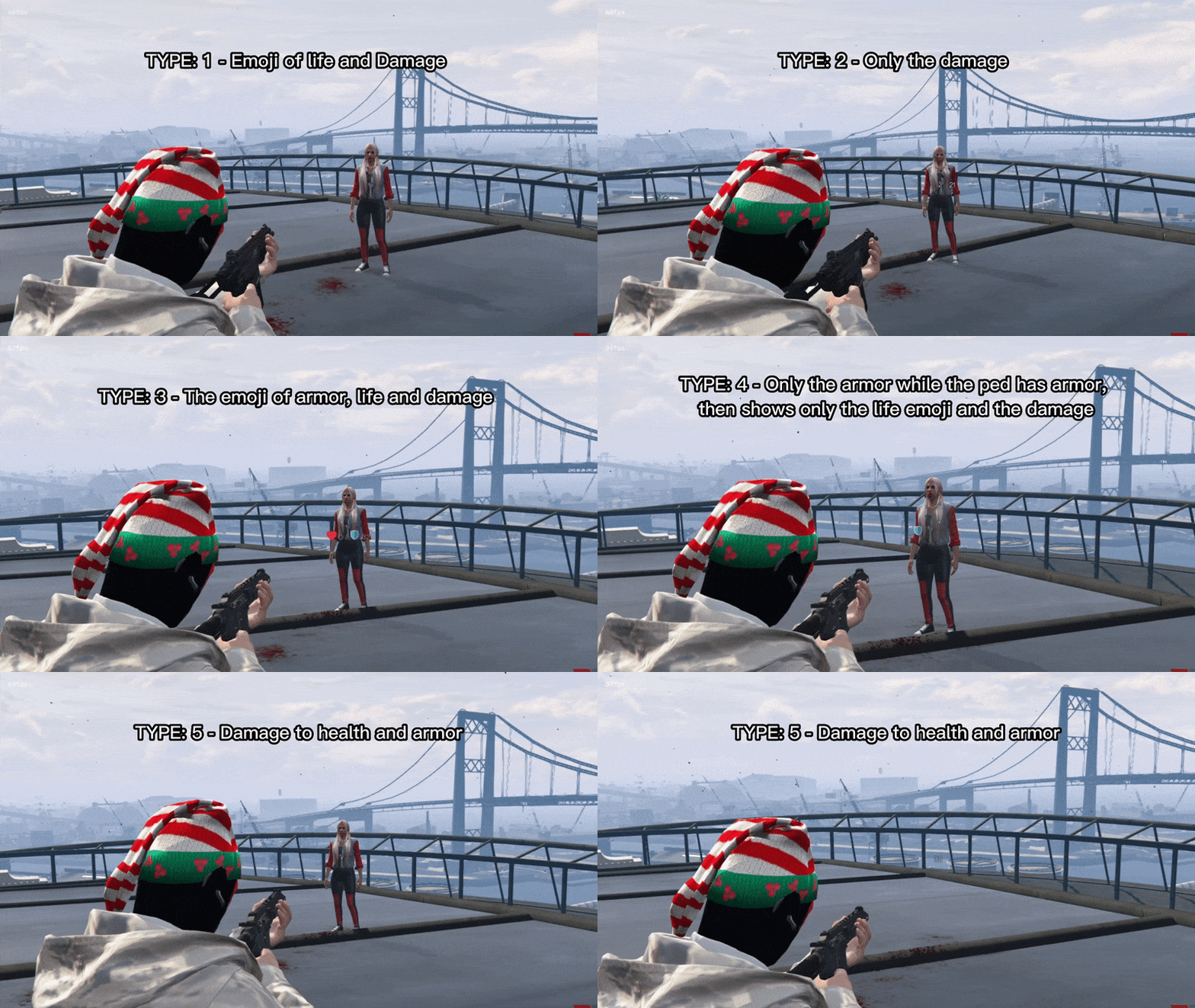
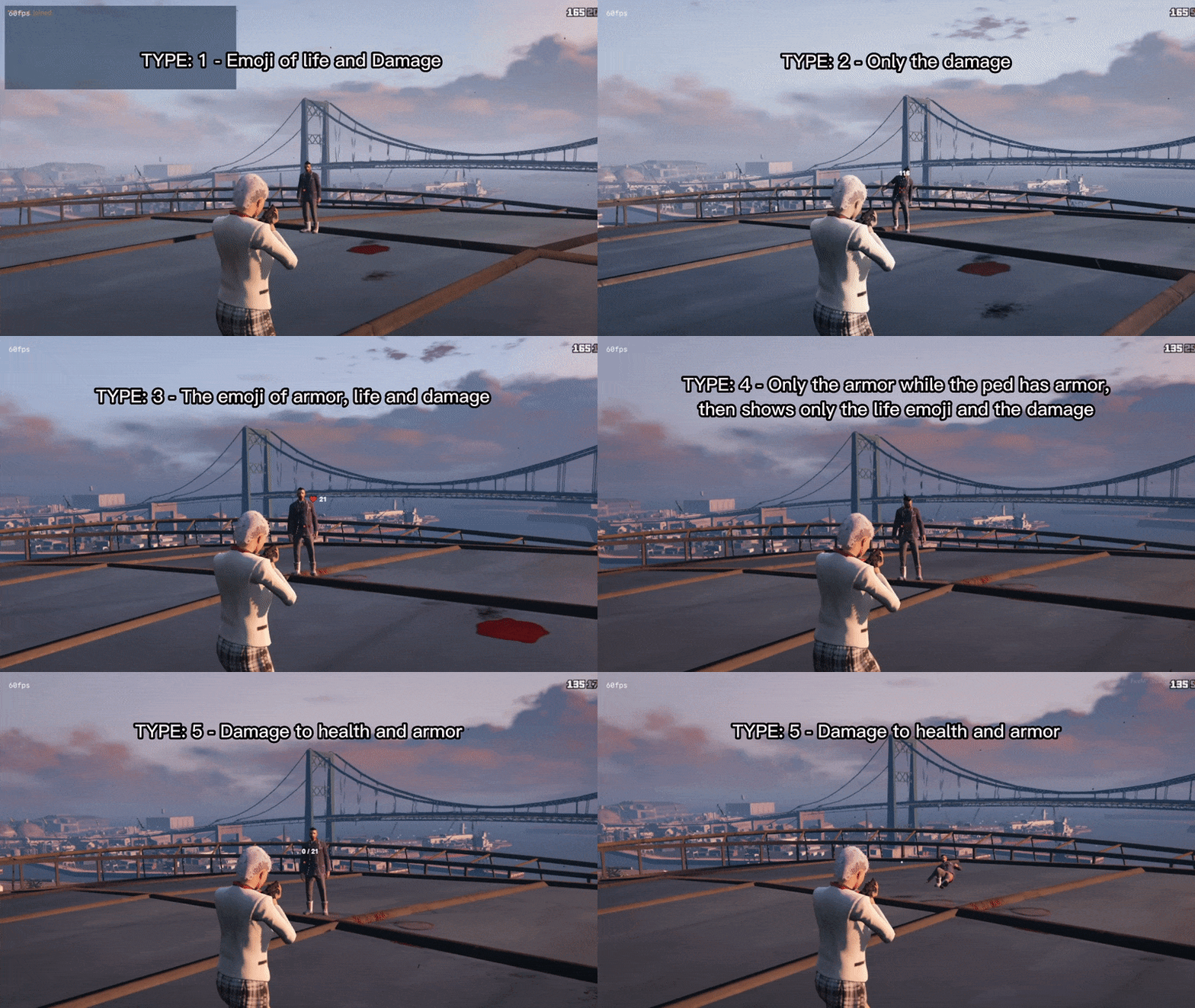
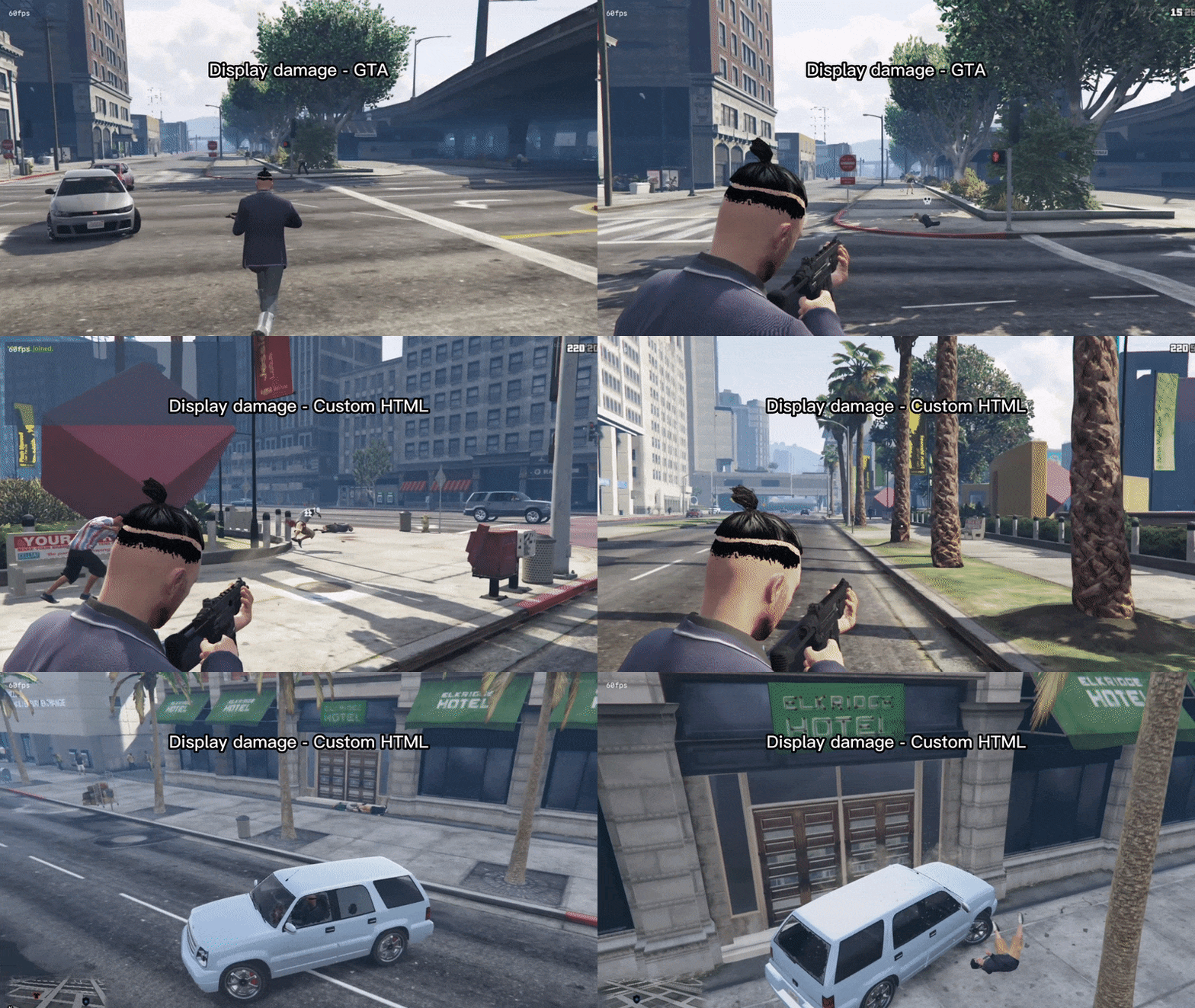
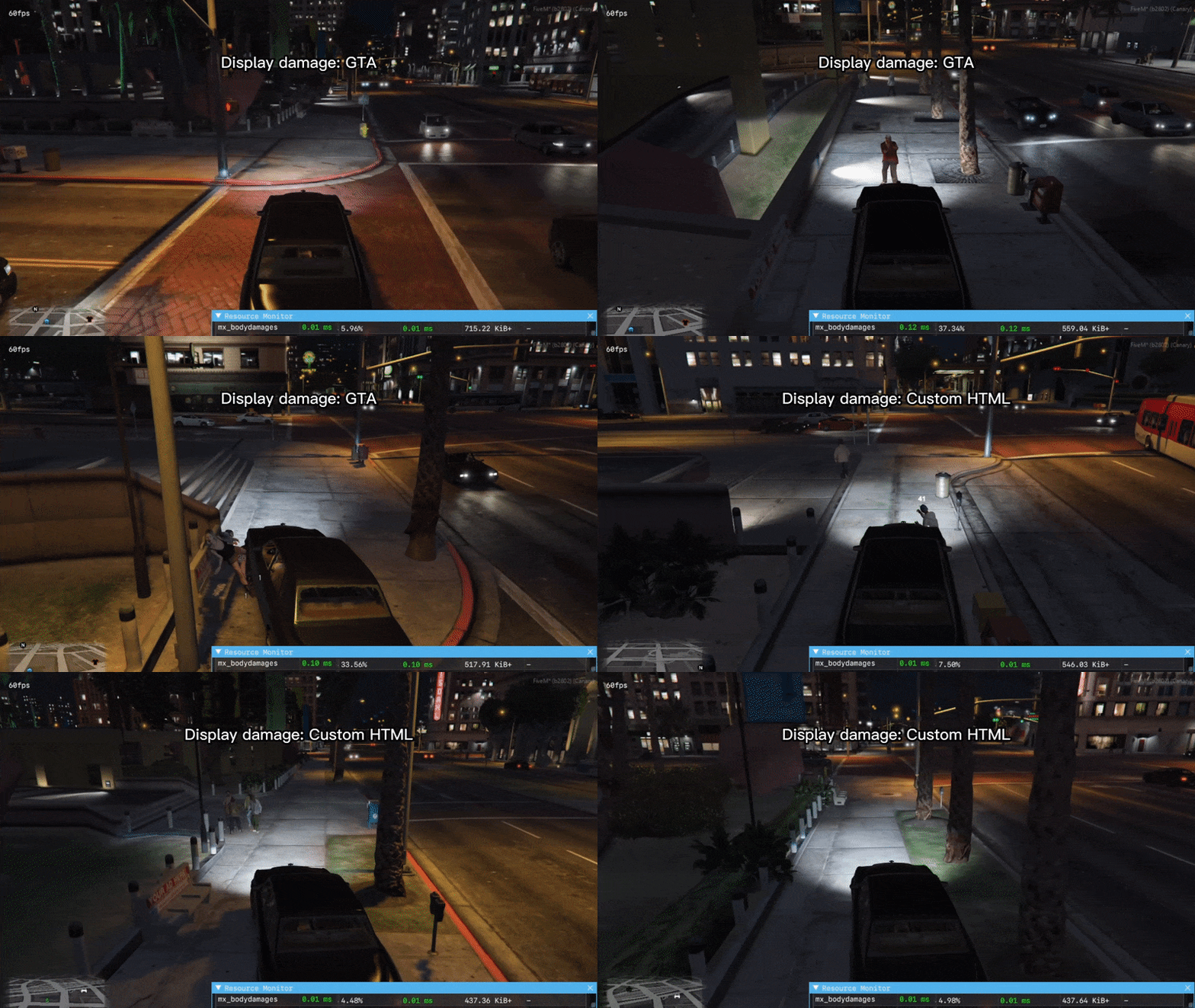
  • Two damage display types: GTA's own display or a custom HTML display. You choose which one to use.
  • Both displays let you set a color or use RGB mode, and choose which display types are shown on screen.
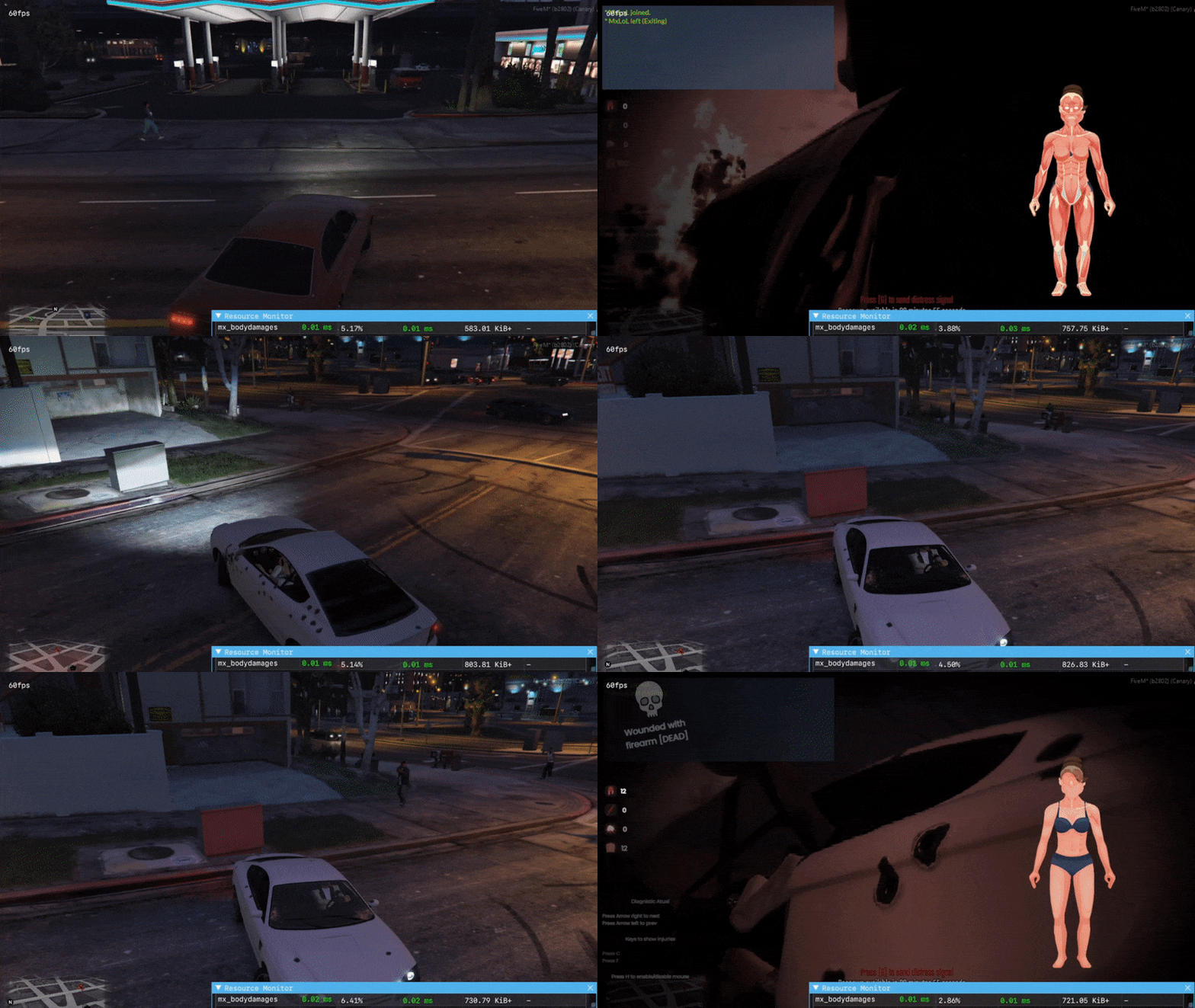
  • When a player or ped is killed, "DEAD" appears on the display; this can be turned off in the config.

Damage display: GTA

H55Yv36.gif ipdJ8sz.gif

Damage display: custom HTML

8yps66W.gif TUj8x8i.gif

"DEAD" on the display:

mflZgrj.gif

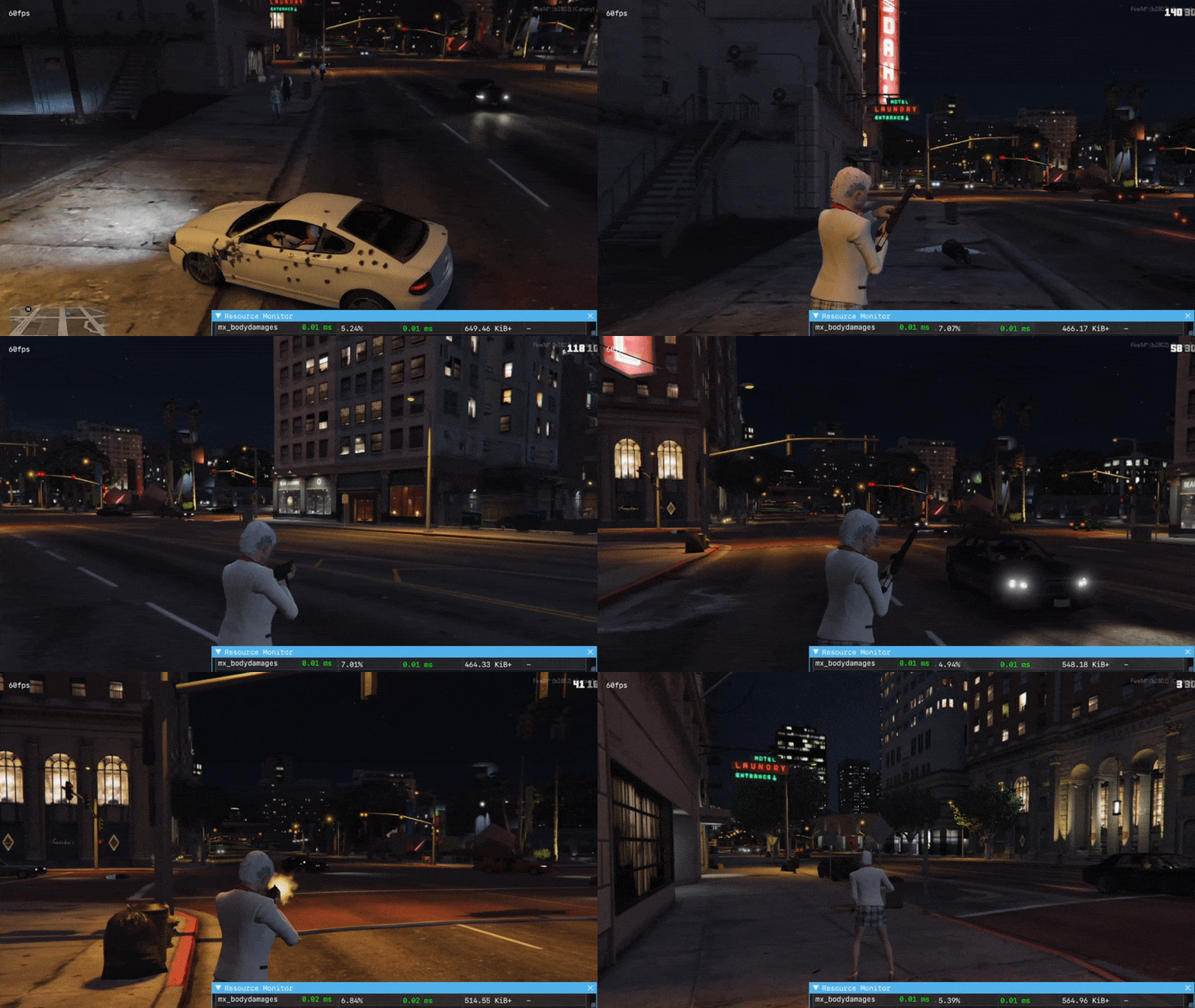
Author's resmon captures (GTA display, custom HTML display, idle and while taking damage):
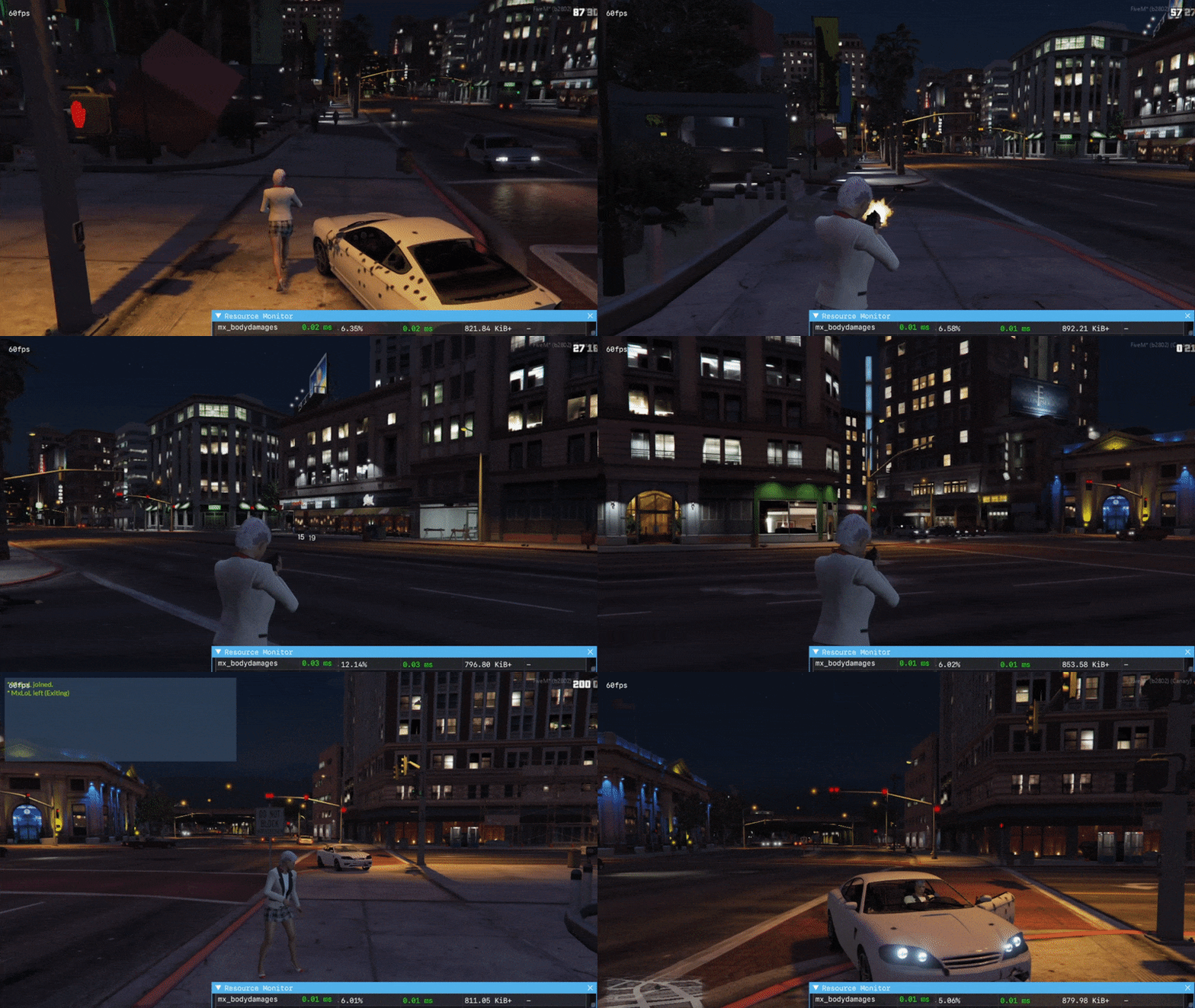
wXFADH3.gif XdL6QZP.gif kwL1XlJ.gif Vbo6Js9.gif

Installation

  • Place the mx_bodydamages folder in your resources and add ensure mx_bodydamages to your server.cfg.
  • The manifest does not load any framework; the title lists ESX, QBCore and standalone use.

Details

Frameworks
ESX, Standalone, QBCore
File size
2.7 MB
Updated
Sep 27, 2026
How to install it

Installation

  1. Unzip the download into your server's resources folder.
  2. Add these lines to server.cfg, in this order:
    ensure mx_bodydamages

Checked: the one resource of this download.

From a static check of the files by the RPScripts Lab. It is not a test that your server starts.

Body Damages v1.0 [ESX / QBCore / Standalone]

$18.99€16.99£14.99A$27.99R$96.99CHF 15.99¥3,010

Can't find the exact script? Generate it.

Describe a custom script. 3 free credits per day, up to 15 per calendar month; no card needed.

Try the FiveM AI Script Generator